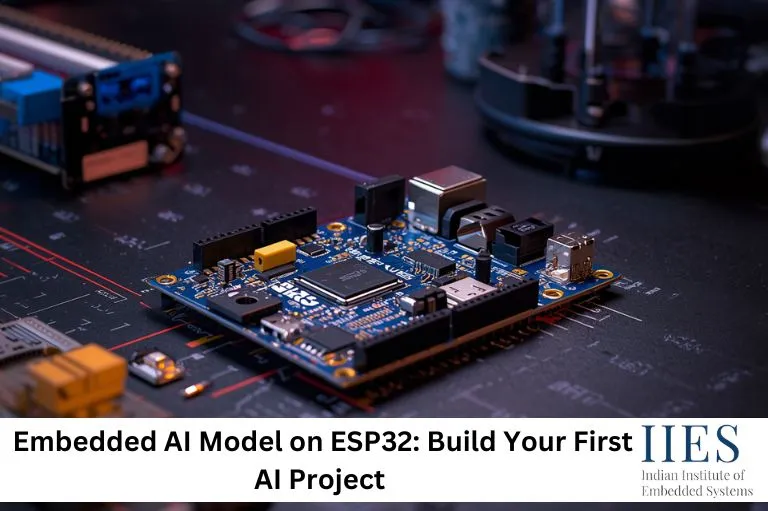
Understanding the Goal of This ESP32 AI Project
Before starting, it is important to clearly define the objective. In this beginner-friendly ESP32 AI project, we will create a simple system that can detect a clap sound and respond by turning an LED ON or OFF.
This is a basic audio classification model, where the system distinguishes between two types of input: a clap and normal background noise. The purpose of this embedded AI project for beginners is not just to build a working model but to understand how data, embedded machine learning, and hardware come together to create intelligent behavior.
Why Use ESP32 for Embedded AI
The ESP32 is ideal for beginners because it balances simplicity and performance. Unlike traditional microcontrollers, it has enough processing capability to handle AI on microcontroller applications and edge AI processing.
Its built-in connectivity also allows you to expand your IoT AI projects later. Another advantage is the large community support and compatibility with tools like Arduino IDE ESP32 setup and Edge Impulse ESP32, making learning faster and troubleshooting easier.

Step 1: Setting Up the Development Environment
To begin, install the Arduino IDE and configure it for ESP32 development. This allows you to write and upload code easily. Once installed, connect your ESP32 board and verify it is detected correctly.
For the AI part, tools like Edge Impulse simplify AI model training for embedded systems, data collection, and deployment. This makes it perfect for beginners starting with TinyML ESP32 projects.
Step 2: Collecting Data for Your Model
Data is the foundation of any AI system. In this project, you need to collect two types of audio data: clap sounds and background noise using a microphone sensor ESP32 setup.
Try to collect multiple samples in different environments. This improves the accuracy of your embedded AI model and helps in real-world sound detection ESP32 projects. Label your data clearly as “clap” and “noise”.
Step 3: Training a Simple AI Model
Once the data is collected, upload it to your AI tool and start training a machine learning model on ESP32.
The training process involves recognizing patterns in audio signals. Focus on how input data is converted into predictions. After training, check accuracy and improve your dataset if needed.
Step 4: Preparing the Model for ESP32
Since embedded devices have limited memory, the model must be optimized. This process ensures AI model deployment on hardware is efficient while maintaining performance.
Export the model as a C/C++ library and integrate it into your Arduino ESP32 programming project.
Step 5: Hardware Setup
For this ESP32 AI project, you need:
- Microphone sensor
- LED
- Resistor
- Breadboard and wires
Connect the microphone to an analog pin and the LED to a digital pin. This setup is part of a basic AI-based sensor project.
Step 6: Writing the Basic Program
Before integrating AI, test your hardware:
#include

#define LED 2
#define MIC 34

void setup() {
  Serial.begin(115200);
  pinMode(LED, OUTPUT);
}

void loop() {
  int sound = analogRead(MIC);

  if (sound > 2000) {
    digitalWrite(LED, HIGH);
    Serial.println("Sound Detected");
    delay(300);
  } else {
    digitalWrite(LED, LOW);
  }
}
This helps verify your ESP32 sensor integration before adding AI.
Step 7: Integrating the AI Model
Now replace the threshold logic with your trained embedded AI model on ESP32.
The model performs real-time AI inference and predicts “clap” or “noise”. Based on this, control the LED. This step converts your system into a real-world embedded AI application.
Step 8: Testing and Improving the System
Test your system in different environments. You may notice false detections.
To improve:
- Add more training data
- Retrain your model
- Fine-tune sensitivity
This improves your ESP32 machine learning project performance.

What You Have Learned
You now understand how to build an embedded AI model, collect data, train it, and deploy it on hardware.
This bridges the gap between theory and real-time embedded AI systems.
Expanding Your Knowledge
You can now explore:
Learning embedded AI and TinyML is a continuous process.