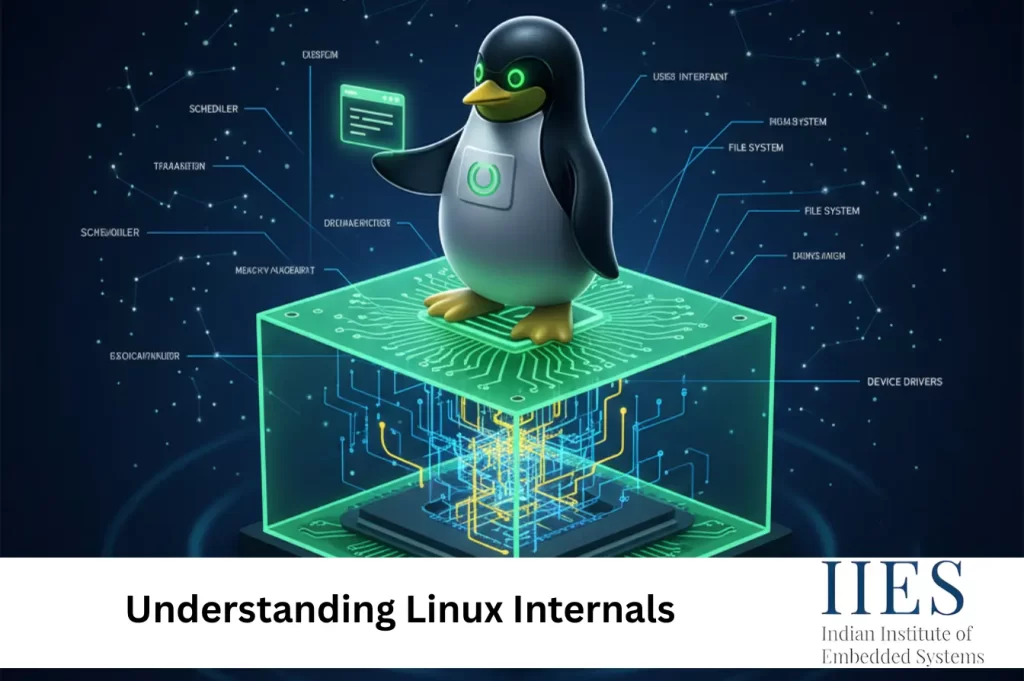
What Are Linux Internals?
Linux internals refer to the core components and mechanisms that enable the Linux operating system to function efficiently. These internals primarily revolve around the Linux kernel, which acts as a bridge between user applications and hardware.
Linux internals help explain:
- How processes are created, scheduled, and terminated
- How memory is allocated and protected
- How files and directories are managed
- How devices communicate with the system
- How networking is handled at the kernel level
- How user programs interact with the kernel using system calls
In simple terms:
Linux Internals = The core working logic of the Linux operating system

Linux Internals – A Quick Overview
| Component | Description |
| Kernel | Core of the OS that manages hardware and system resources |
| Process Management | Controls execution, scheduling, and communication between processes |
| Memory Management | Handles RAM allocation, virtual memory, and protection |
| File System | Organizes data using a hierarchical structure |
| Device Management | Communicates with hardware via device drivers |
| Networking | Manages data transmission using TCP/IP and related protocols |
| System Calls | Interface between user applications and kernel |
Linux internals ensure stable, secure, and efficient system operation across all use cases.
How Linux Internals Work
At the core of Linux is the kernel, which operates in two modes:
- User Mode
Applications run with limited access to system resources. - Kernel Mode
The kernel executes with full access to memory, hardware, and devices.
When a user application needs hardware access or system-level services, it uses system calls to request the kernel’s help. This controlled interaction ensures stability and security while allowing powerful system functionality.
The Linux Kernel – Core of the Operating System
The Linux kernel manages:
- Process execution
- Memory allocation
- Device communication
- File system operations
- Network data flow
It sits between hardware and software, ensuring that applications run smoothly without direct hardware access.
Process Management in Linux
Processes are the basic execution units in Linux. Each process is represented by a Process Control Block (PCB) that stores critical information such as process ID, state, priority, and memory details.
Key Process Concepts
- Process States: New, Ready, Running, Waiting, Terminated
- Scheduling: Linux uses the Completely Fair Scheduler (CFS) to allocate CPU time efficiently
- Interprocess Communication (IPC):
- Pipes
- Message queues
- Shared memory
These mechanisms allow processes to cooperate and share data safely.

Memory Management in Linux
Linux uses virtual memory to isolate and protect processes while efficiently utilizing physical RAM.
Key Memory Management Components
- Paging: Divides memory into fixed-size pages
- Swapping: Moves inactive processes to disk when RAM is low
- Kernel Memory Allocation: Uses slab allocator and buddy system
This design ensures stability even under heavy workloads.
Linux File System Architecture
Linux treats everything as a file, including devices and processes, and organizes data in a hierarchical structure.
Key File System Concepts
- VFS (Virtual File System):
Provides a common interface for different file systems like ext4, XFS, and Btrfs - Inodes:
Store file metadata such as permissions, ownership, and size - File Descriptors:
Integer values used by processes to access files
Device Management in Linux
Linux communicates with hardware through device drivers, which act as intermediaries between the kernel and physical devices.
Types of Devices
- Character Devices: Sequential access (keyboard, mouse)
- Block Devices: Data stored in blocks (HDD, SSD)
- Network Devices: Communication hardware (Ethernet, Wi-Fi)
Networking Internals in Linux
Linux provides a powerful networking stack based on the TCP/IP model.
Key Networking Components
- Sockets: Enable communication between local and remote processes
- Netfilter and iptables: Handle packet filtering and firewall rules
- Network Interfaces: Managed using ifconfig or ip commands
Kernel Modules and System Calls
Linux supports modular design, allowing features to be added or removed without rebooting.
- System Calls:
Interfaces like open, read, write, and fork that allow applications to request kernel services - Loadable Kernel Modules (LKMs):
Dynamically extend kernel functionality (device drivers, file systems)

Summary – Understanding Linux Internals
- Linux internals explain how the operating system manages hardware and system resources
- The kernel plays a central role in process, memory, file, device, and network management
- System calls connect user applications to kernel services
- Modular design allows flexibility and scalability
- A strong understanding of Linux internals helps improve performance, security, and system reliability